
If you sell online and you have not built a real strategy for how to build an email list, you are losing revenue every single day. Not maybe revenue. Real, trackable money that your competitors with a bigger list are already collecting.
Here is what most guides skip. Your email list is the only marketing channel you fully own. Instagram can shadowban your account. Google can shift its algorithm overnight and quietly cut your traffic in half. But nobody can take away the people on your email list.
This guide walks you through the exact process, with real examples, an honest tool comparison, and the mistakes that quietly kill list growth for most ecommerce brands. Whether you are just getting started or looking to try new email list building strategies, you will find something practical here.
What Is Email List Building and Why It Matters for Ecommerce
Email list building means collecting email addresses from people who give you permission to contact them. For an ecommerce store, this usually happens through a popup, a landing page, a quiz, or a checkbox at checkout.
Permission is the word that matters most here. A list of 50,000 people who never agreed to hear from you creates spam complaints, not sales. A list of 500 people who genuinely want your emails will outperform it every time.
Why does this matter so much for ecommerce specifically?
- Paid ads keep getting more expensive every year. Once someone joins your list, you can reach them again for almost nothing.
- Email marketing consistently delivers one of the highest returns of any marketing channel, often beating paid social on a cost basis.
- Your list powers automation. Welcome flows, abandoned cart recovery, and win-back campaigns only work if you have emails to send them to.
- You own this asset outright. If you switch platforms or lose organic reach overnight, your list still works exactly the same way.
Picture a Shopify store doing 50,000 dollars a month. Even a modest 15,000 person list, paired with a solid welcome series and abandoned cart flow, can realistically add five figures a month in recovered and repeat revenue. That is not a hypothetical. It is simply how the math plays out once you track it in your own dashboard.
How Email List Building Works
Email list building for ecommerce follows five steps almost every time.
- You offer something worth trading an email address for, like a discount, early access, or a useful quiz result.
- You place that offer where visitors will actually see it, such as a popup, landing page, or checkout screen.
- The visitor submits their email through a signup form.
- That email lands in your email marketing platform and gets tagged or segmented based on how they signed up.
- An automated welcome email goes out immediately to start the relationship.
Most stores handle steps 1 through 4 without much trouble. The part that separates a list that makes real money from one that just sits there is step 5, and everything you do with that subscriber after they join.
Why the Welcome Email Matters More Than the Signup Form
Many stores treat the signup form as the finish line. It is actually the starting line. A subscriber who hears nothing for two weeks forgets why they signed up in the first place. Send that welcome email the moment someone subscribes, not hours or days later.
8 Proven Ways to Build Your Email List
1. Use Exit-Intent Popups the Right Way
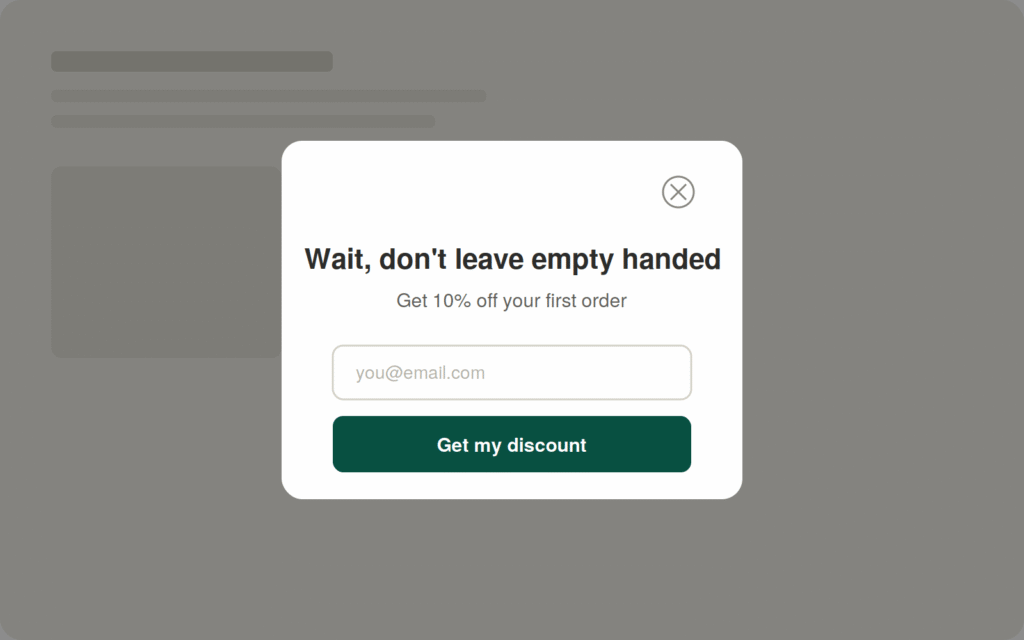
Exit-intent popups trigger the moment a visitor tries to leave your site. When you set them up well, they recover a meaningful share of visitors who would otherwise leave without giving you their email.
Keep the copy short. A line like “Wait, do not leave empty-handed, get 10 percent off your first order” beats a paragraph explaining your brand story. Skip forms that ask for name, email, phone number, and birthday all at once. One field, maybe two, converts far better than five.
2. Offer a Lead Magnet That Actually Fits Your Store
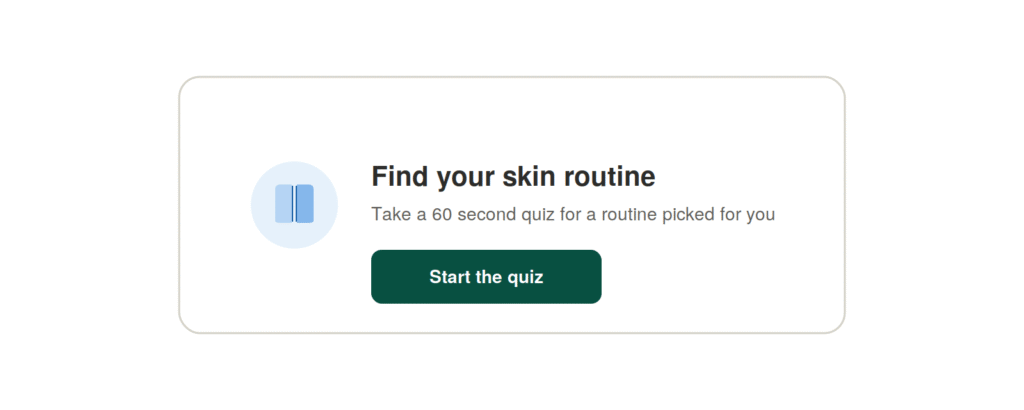
A lead magnet is what you give someone in exchange for their email. A discount code works well for most ecommerce stores, but it is not your only option.
A skincare brand can offer a free skin type quiz that ends with a personalized product recommendation. A supplement brand can offer a short guide relevant to their category. A fashion brand can offer early access to a new drop before it goes public.
Match your lead magnet to buyers who actually want your product, not to anyone chasing a freebie. A 50 percent off code pulls in more signups, but many of those people use the code once and never open another email from you.
3. Capture Emails at Checkout
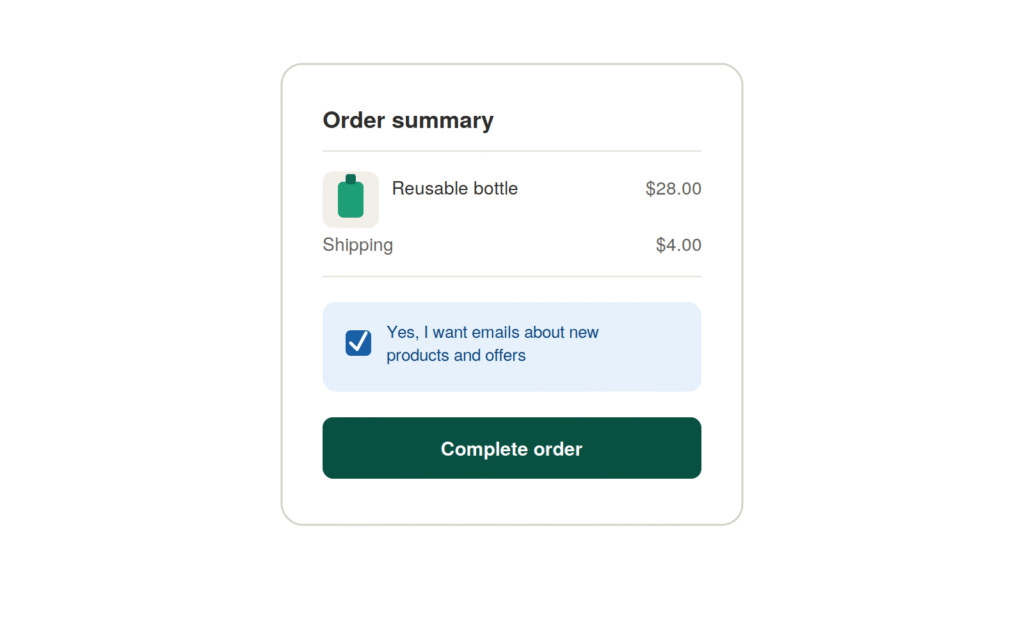
Store owners overlook this tactic constantly. Every customer who checks out gives you a chance to grow your list, and they are already in buying mode, which usually means a higher quality subscriber than a cold popup visitor.
On Shopify, you can handle this through your checkout settings or an app that adds a marketing opt-in checkbox. On WooCommerce, most email marketing plugins let you add that same opt-in directly on the checkout page.
4. Run a Giveaway Using Your Own Product
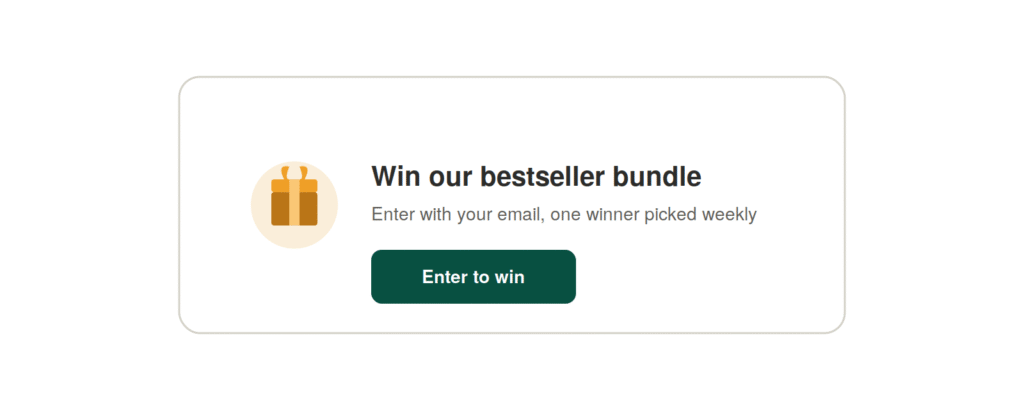
Giveaways bring in subscribers fast, but run them carefully. A generic prize like an iPhone attracts giveaway hunters with zero interest in your brand. Give away your own product or a bundle of your bestsellers instead, so only people who actually want what you sell bother entering.
5. Use Interactive Quizzes to Collect Emails and Data
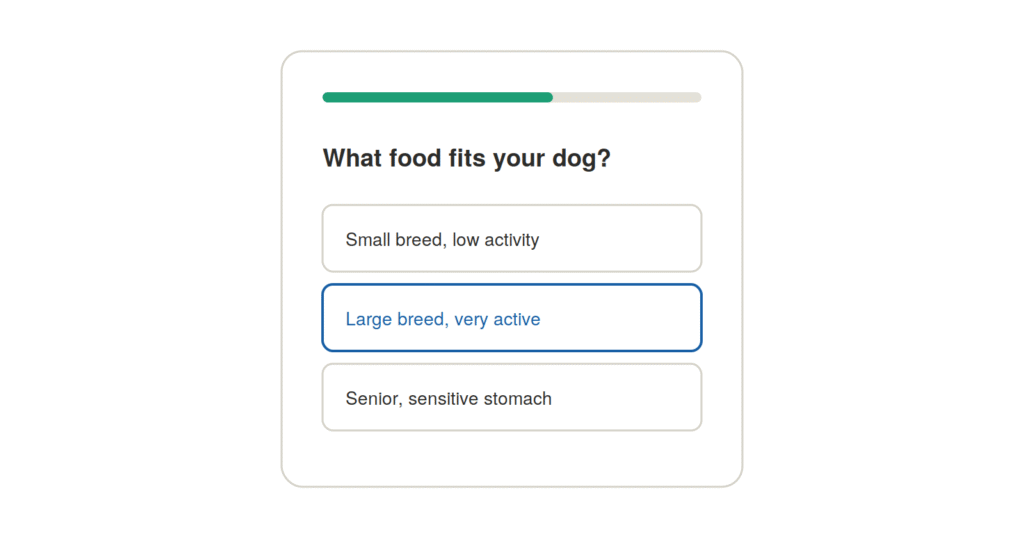
Quizzes do two things at once. They collect an email address, and they collect information about what that person actually wants. A pet brand can run a “what food fits your dog” quiz. A skincare brand can run a “find your routine” quiz. At the end, the visitor enters their email to see their results, and now you know exactly what to recommend to them later.
6. Add Static Signup Forms in High-Traffic Spots
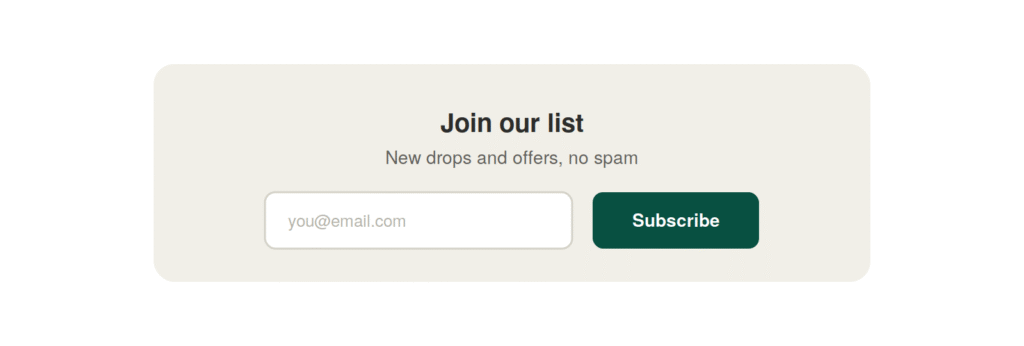
Not every visitor triggers a popup or reaches checkout. Static forms in your footer, blog posts, and homepage catch people who are browsing but not ready to buy yet. These convert slower than a popup, but they add up over time, especially for stores with a blog that brings in organic traffic.
7. Partner With a Complementary Brand
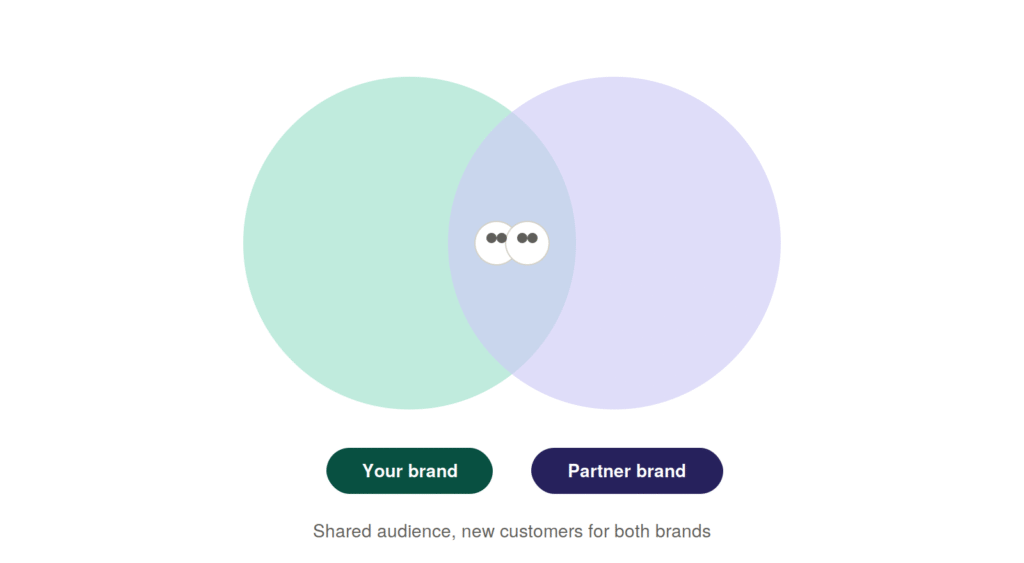
If you sell coffee, partnering with a mug or pastry brand for a joint giveaway puts your offer in front of an audience that already fits your ideal customer. This works especially well for smaller stores that need a shortcut to reach new people without a big following of their own.
8. Recover Emails From Abandoned Checkouts
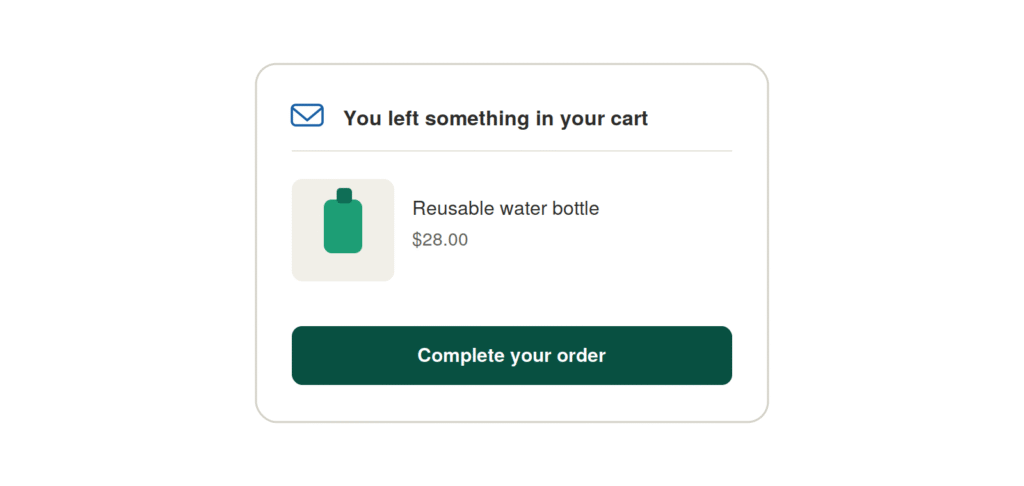
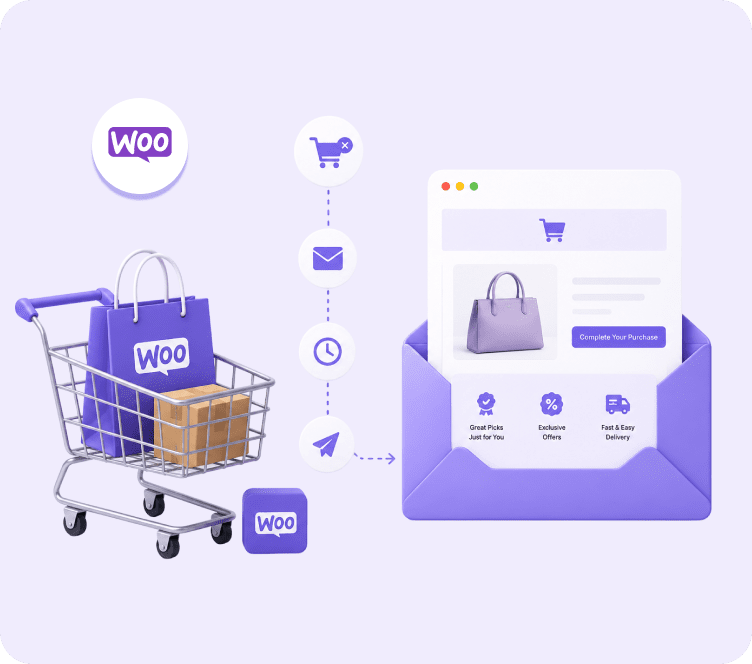
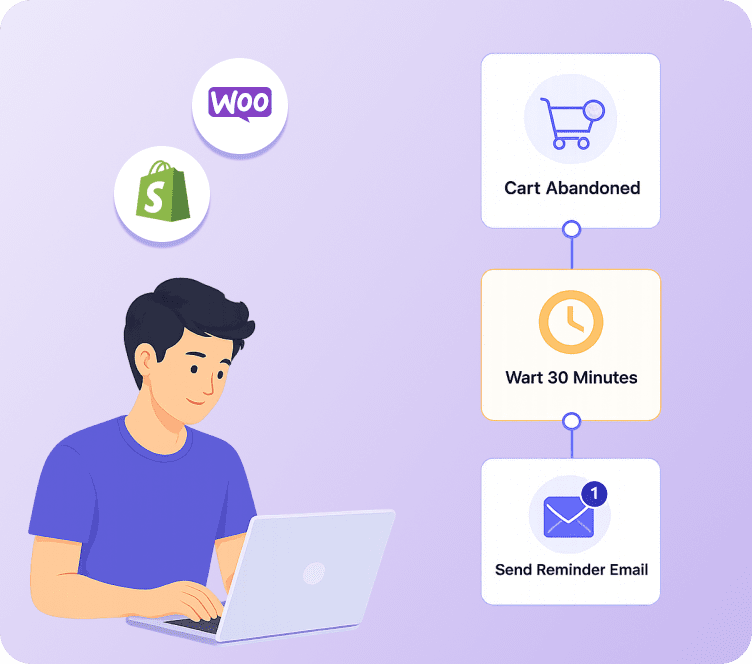
Some visitors start checkout, enter their email, and leave before finishing. That email still has value even if the order never completed. A platform built for ecommerce can catch this moment automatically and add that person to a recovery flow. Most general email tools miss this tactic completely because they were never built around ecommerce checkout data in the first place. Adflipr’s cart abandonment recovery tool catches these emails automatically and starts a recovery sequence without any manual work on your end.
Shopify Email List Building Example
Say you run a Shopify store selling reusable water bottles. If you are looking for the best way to build an email list for Shopify specifically, this kind of simple, connected setup is usually the fastest place to start.
- A popup appears after 15 seconds on site, offering 10 percent off in exchange for an email.
- The email lands in your email platform and automatically triggers a 3-email welcome series.
- Email 1 sends instantly with the discount code.
- Email 2 sends a day later, sharing your brand story and bestsellers.
- Email 3 sends three days later, showing reviews and social proof.
This flow is simple, but stores that set it up properly often convert 15 to 25 percent of new subscribers into a first purchase within the first week. Adflipr’s Shopify integration syncs every new subscriber and their order data automatically, so this whole sequence runs without you touching a spreadsheet.
WooCommerce Email List Building Example
For a WooCommerce store selling handmade candles, the setup usually looks a bit different, since WooCommerce relies more on plugins than built-in checkout settings.
- A checkout opt-in checkbox adds every buyer to your list automatically.
- A gamified “spin to win” popup on the homepage collects emails from browsers through a fun discount mechanic.
- New subscribers get tagged by the product category they viewed last, so future emails speak directly to that interest.
WooCommerce stores that connect their list building directly to their product catalog usually end up with stronger segmentation later, since they already know what each subscriber cared about from day one. Adflipr’s WooCommerce integration syncs this data in real time, including past orders and new purchases, so segmentation works from the first signup.
Best Email List Building Tools Compared
Not every email platform handles ecommerce list building the same way. Here is an honest comparison of how a few popular options stack up on the features that matter most for Shopify and WooCommerce stores.
| Platform | Built for Ecommerce | Shopify Integration | WooCommerce Integration | Abandoned Cart Recovery | Pricing Model |
|---|---|---|---|---|---|
| Adflipr | Yes, ecommerce-only focus | Native | Native | Included on entry plans | Charges for active contacts only |
| Klaviyo | Yes, strong ecommerce focus | Native | Limited | Included | Scales with total contacts |
| Mailchimp | General purpose, adapted for ecommerce | Native | Plugin-based | Included on higher plans | Scales with total contacts |
| Omnisend | Yes, ecommerce-only focus | Native | Native | Included | Scales with total contacts |
| ActiveCampaign | General purpose, CRM-heavy | Native | Plugin-based | Available with setup | Scales with total contacts |
A few honest notes on this table. Klaviyo and Omnisend both do genuinely strong ecommerce work, and they deserve a real look if you are comparing platforms. Where a lot of these tools lose small and mid-sized stores is pricing that climbs fast as your list grows, even when most of those contacts never open an email.
Adflipr charges based on active contacts rather than total list size, which keeps costs from ballooning as your list expands. The platform was also built specifically around Shopify and WooCommerce data from the start, so abandoned cart recovery, product-based segmentation, and post-purchase flows come built in rather than bolted on later.
Best Practices for Building an Email List
These are the habits that help you grow your email list steadily instead of in random bursts.
- Keep signup forms short. One field is often enough.
- Send the welcome email immediately, not hours later.
- Never buy an email list. It destroys deliverability and usually violates your email platform’s terms.
- Segment new subscribers by how they joined, whether that is a popup, checkout, or quiz, so your first email speaks directly to that context.
- Clean your list regularly by removing subscribers who have not opened anything in six months or more.
- Match your lead magnet to your actual product, not a generic prize with no connection to what you sell.
- Test your popup timing. Immediate popups can feel aggressive, while a 10 to 20 second delay often performs better.
Common Mistakes to Avoid
Asking for too much information upfront. Every extra field on a signup form lowers your conversion rate. Get the email first, and ask for more later.
Ignoring mobile visitors. A huge share of ecommerce traffic comes from mobile devices. A popup that is hard to close or badly formatted on a phone loses subscribers and annoys paying customers at the same time.
Sending nothing after signup. A subscriber who hears nothing for two weeks forgets about you fast. Send that welcome email right away, not whenever you get around to it.
Treating list size as the only metric. A list of 5,000 engaged subscribers will outperform a list of 50,000 cold ones. Focus on quality, not just on growing your numbers as fast as possible.
Not connecting list building to your ecommerce platform. When your signup forms do not sync properly with Shopify or WooCommerce, you lose the ability to trigger abandoned cart emails, post-purchase flows, or personalized recommendations. This is where many general-purpose email tools fall short for ecommerce stores specifically.
Conclusion
Learning how to build an email list for your Shopify or WooCommerce store does not need to be complicated, but it does take intention. Start with a signup offer that fits your brand, place it where your visitors will actually see it, and give every new subscriber a real welcome instead of silence.
The stores that win with email are not the ones with the biggest list. They are the ones that treat list building as the first step of a bigger automation strategy, connecting signups to welcome flows, abandoned cart recovery, and post-purchase emails that keep customers coming back.
Ready to turn your list into an actual revenue channel instead of just a growing number? Visit the Adflipr to see how the platform connects your Shopify or WooCommerce store, syncs every new contact automatically into contact management, and runs the whole process without you stitching together five different tools.
Recommended Reading
If building your list is step one, here is what to read next to turn those new subscribers into repeat revenue.
Shopify Email Marketing Guide: Everything Store Owners Need to Know in 2026
How to Reduce Cart Abandonment: Psychology-Driven Strategies That Increase Conversions
Email Marketing Metrics & Benchmarks Every Ecommerce Store Should Track in 2026
FAQ Section
How to Build an Email List?
The best way to build an email list for ecommerce combines a well-timed popup offer with a checkout opt-in and a strong welcome email series. This setup captures both new visitors and existing customers, giving you a steady stream of high-quality subscribers instead of relying on a single tactic.
How does email list building work?
Email list building works through five steps: you offer something valuable in exchange for an email, place that offer where visitors will see it, collect the email through a signup form, sync it into your email platform, and trigger a welcome email right away. Each step matters, but the welcome email is what turns a signup into an actual customer relationship.
Why is building an email list important for a Shopify or WooCommerce store?
Building an email list matters because it gives you a marketing channel you fully own. Unlike social media or paid ads, no platform can take your list away or change the rules on you overnight. It also powers automation like abandoned cart recovery and welcome flows, which drive repeat revenue at a low cost.
Is building an email list worth it for a small Shopify store?
Yes. Even a few hundred engaged subscribers can drive meaningful repeat revenue through welcome emails and abandoned cart recovery. You do not need tens of thousands of subscribers to see results. Most email list building tips for small business owners come down to the same idea: start small, stay consistent, and focus on subscribers who actually want to hear from your brand.
What mistakes should I avoid when building an email list?
Avoid asking for too much information on signup forms, buying email lists, and going silent after someone subscribes. These mistakes either lower your conversion rate or waste the subscribers you already worked to collect.